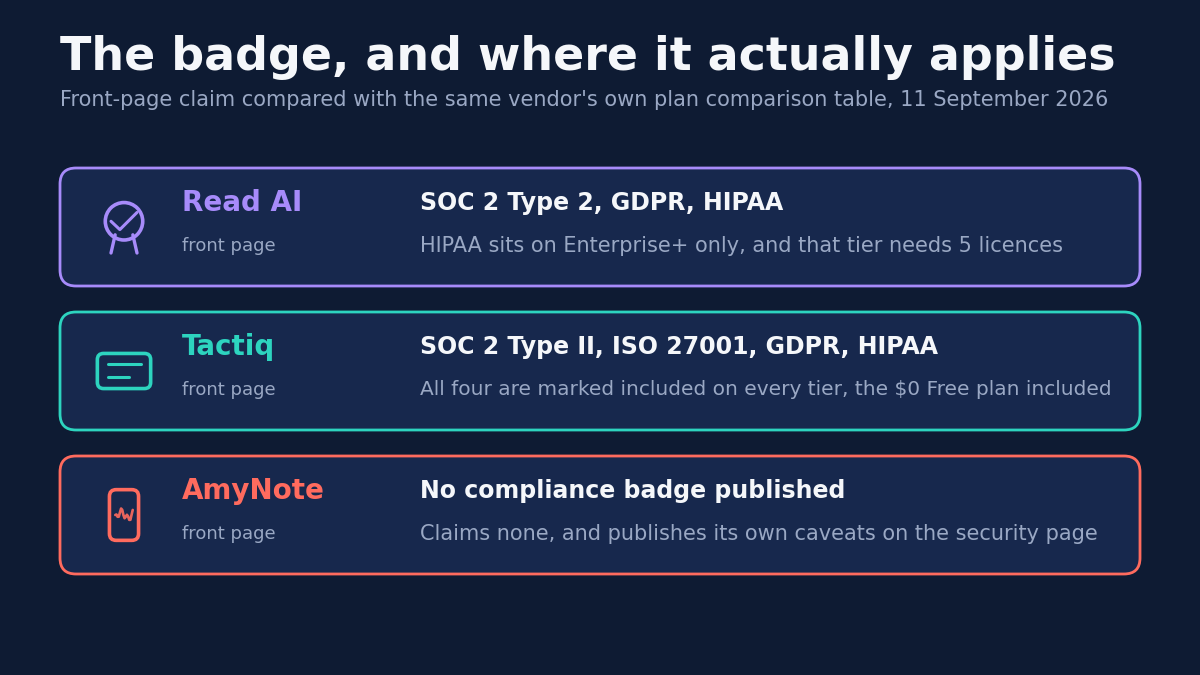
Every meeting tool puts a row of compliance logos on its home page. SOC 2. ISO 27001. HIPAA. GDPR. They are the easiest thing on the site to read and the hardest to check, because the page that qualifies them sits three screens down, or inside a policy nobody opens.
That gap is not an accident of web design. A badge is a compressed claim, and compression is where the conditions go. A certification can be entirely real and still not apply to the plan you are about to buy, the feature you need it for, or the data you were actually worried about.
So this comparison does something narrower than the usual three-way. Rather than rank the products, it takes the compliance claim each one makes on its front page and follows it to that same vendor’s pricing table, privacy policy and security page to see whether it survives the trip. Only one of these three means the same thing on page two.
Quick Verdict
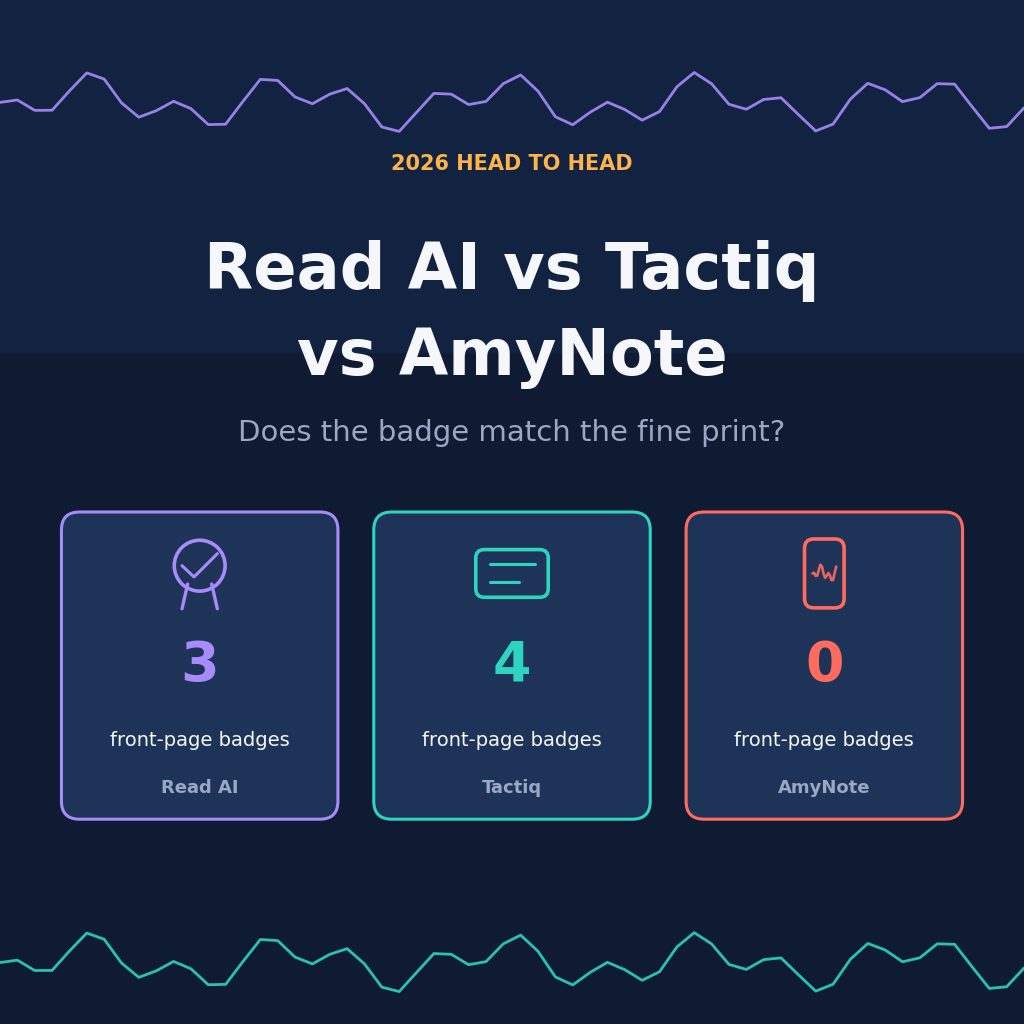
Read AI shows three badges and has the deepest feature set here. Its HIPAA badge covers one tier that needs five licences, and its policy permits training the home page appears to rule out.
Tactiq shows four badges and marks every one included on all five plans, the free one included. It is also the only tool here that never records your audio.
AmyNote shows no badges and claims no certifications. It publishes the caveats the other two leave to the policy page, and it is iOS only.
What We Compared
The compliance wording on each home page, the same vendor’s plan comparison table, the policy clauses on training and retention, and what each product captures. Every figure was read from the vendors’ own pages on 2026-09-11.
One methodological note decides most of what follows. Where a front page and a pricing table disagree, this article cites the table. The table is the document that names the plan, and the plan is the thing you actually buy. A card that rounds its own table’s number up is a marketing decision; the table is the closest thing to a commitment on a public site.
Read AI: Strengths and Weaknesses
Strengths. Read AI is the most complete product here. It runs on Windows, macOS, iOS, Android and Chrome, joins Zoom, Teams and Meet, captures in-person meetings from the mobile apps, and ships as a Claude Connector and an MCP server.
That breadth is the real reason to consider it. Neither of the other two reaches across desktop, mobile, browser and in-person rooms at once, and the connector and MCP server put meeting content somewhere other software can act on it rather than stranding it in a web app. If you want one assistant everywhere, this is the only candidate on the page.
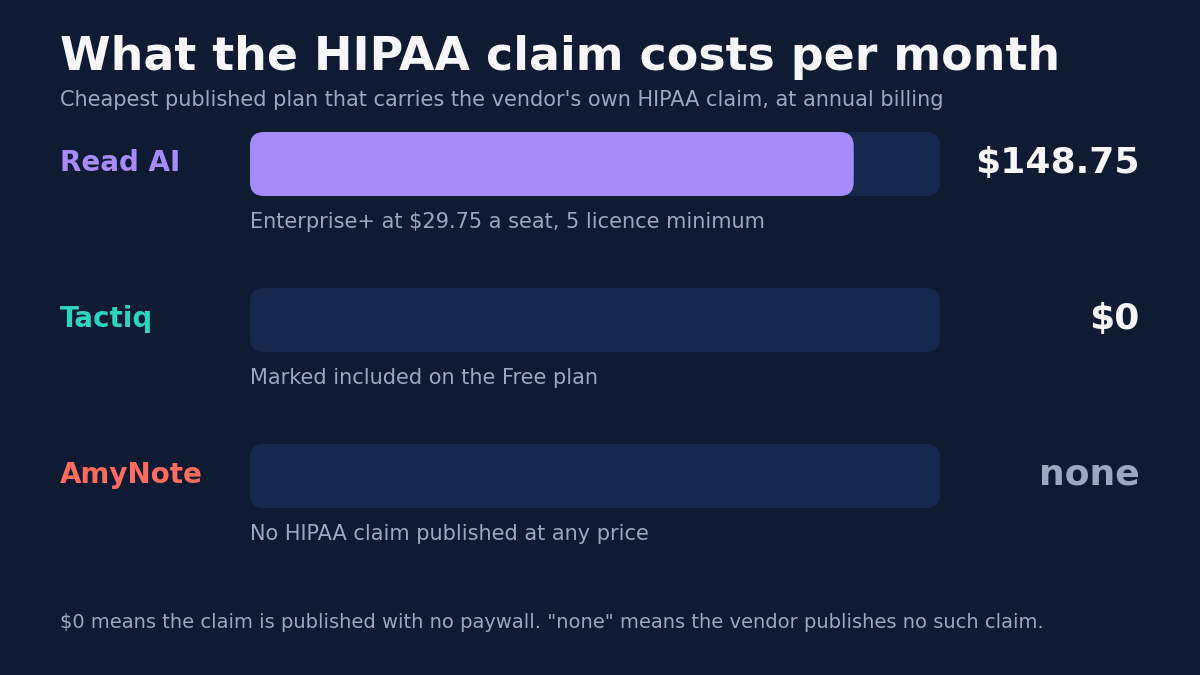
Weaknesses. The badges are where it gets complicated. Read AI’s home page lists SOC 2 Type 2 Certified, GDPR Compliant and HIPAA Compliant, unqualified. Its own pricing table is narrower: the HIPAA row is empty for Free, Pro and Enterprise and appears only on Enterprise+, which requires five or more licences at $29.75 a seat. The cheapest configuration carrying that claim runs about $148.75 a month.
Read that sequence twice, because it is the most expensive detail on this page. The badge is on the front door. The qualification is in the table. And the distance between them, expressed in money, is the gap between nothing and roughly eighteen hundred dollars a year — for a property a buyer had every reason to believe was already included when the evaluation started.
The training claim needs the same care. The home page says “SOC II certified, and no training on your data by default.” The policy’s legal-basis table says Read AI uses information “to train and improve our models within our Services” under legitimate interest. The promise is narrower than it looks: it covers generalized models trained on Google Workspace data, while the policy contemplates training personalized models on Gmail bodies and Drive files.
“By default” is doing a great deal of work in that sentence. A default is a setting, not a commitment. And legitimate interest is the legal basis a controller reaches for precisely when it does not intend to ask. Neither statement is false on its own. Read together, they describe a considerably narrower promise than the home page sounds like.
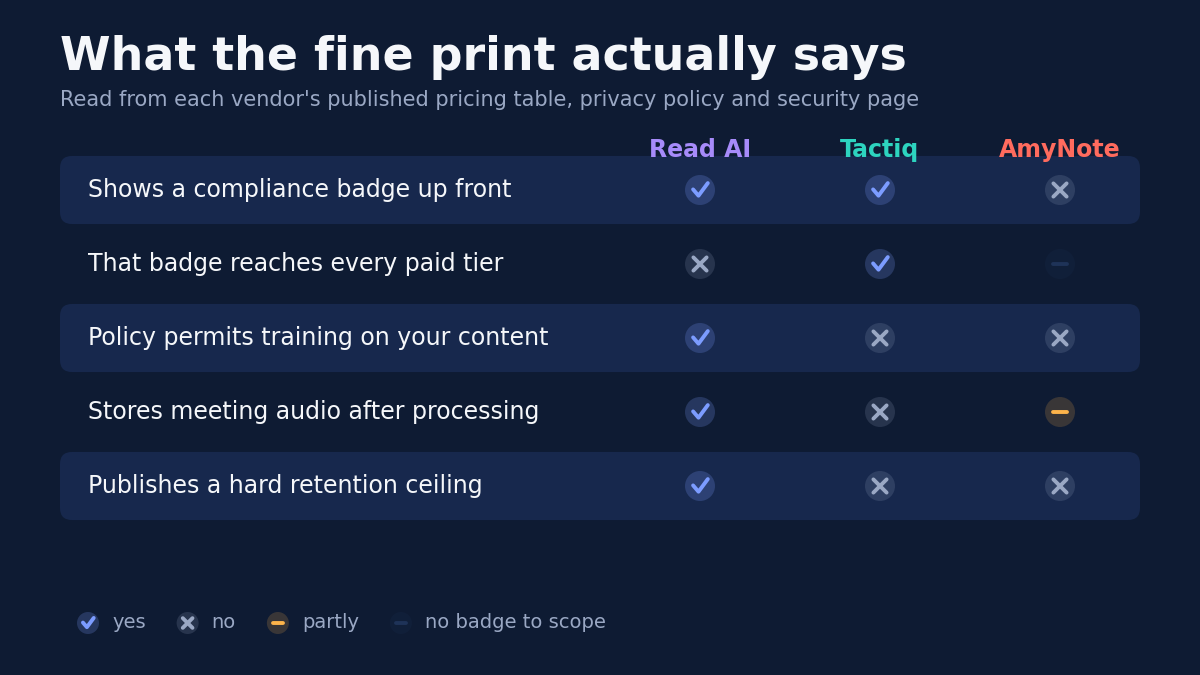
Read AI is also the only vendor here publishing a hard ceiling on retention: audio and video stored “in no case for longer than 2 years.” That deserves credit. It is a specific, checkable commitment, and neither competitor offers its equivalent. One smaller mismatch belongs in the same column: the home page advertises “20+ languages” while its own table says “Support for 16+ Languages” and then names sixteen.
Tactiq: Strengths and Weaknesses
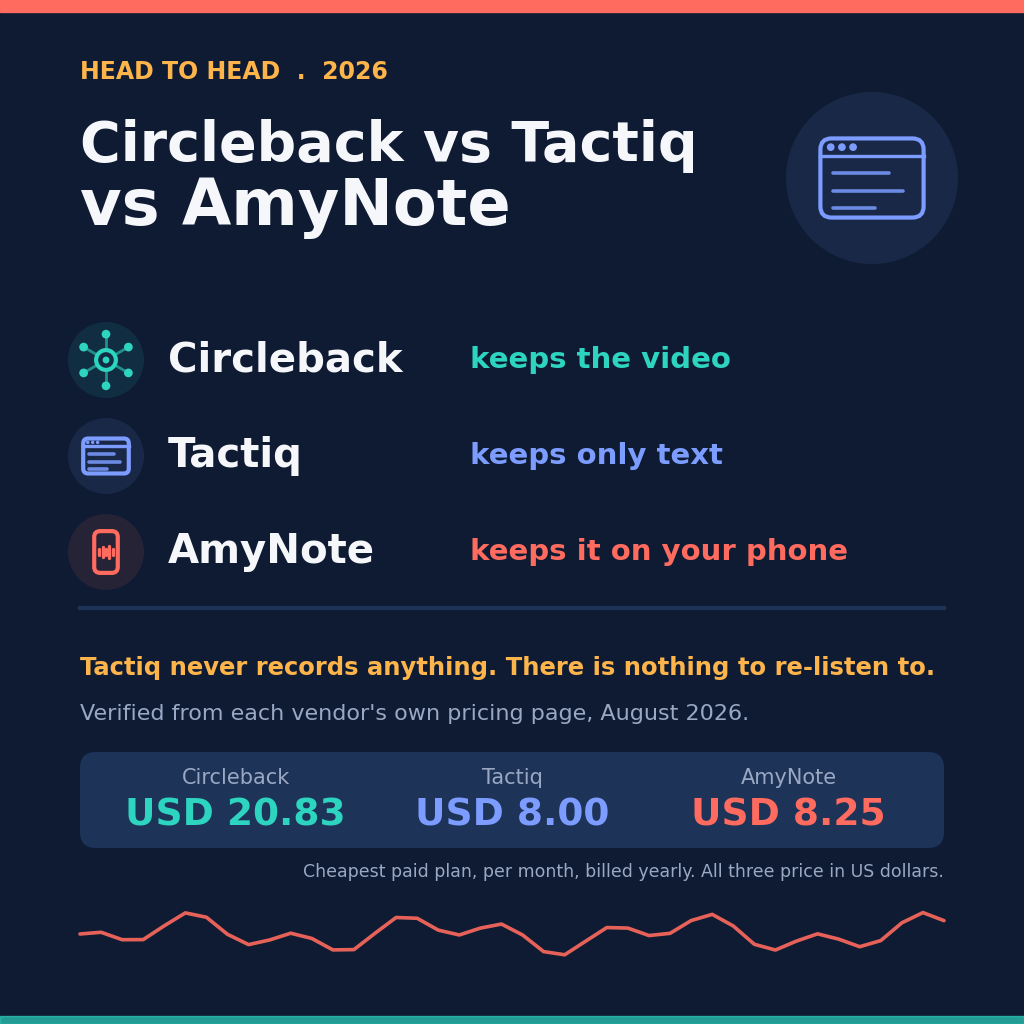
Strengths. Tactiq’s central claim is the rare kind the architecture backs up. Its FAQ states that “Tactiq does not record or store the audio from your meetings.” It is a Chrome extension reading live captions, so no bot joins and no audio file is ever created to leak or subpoena.
That is the strongest position on this page, and it is worth being precise about why. Every other privacy promise in this category is a promise about handling — we will encrypt it, we will not train on it, we will delete it within two years. Tactiq’s is a promise about existence. A recording that was never made cannot be breached, cannot outlive its retention policy, and cannot be produced in discovery. No amount of policy language from a competitor is equivalent to that.
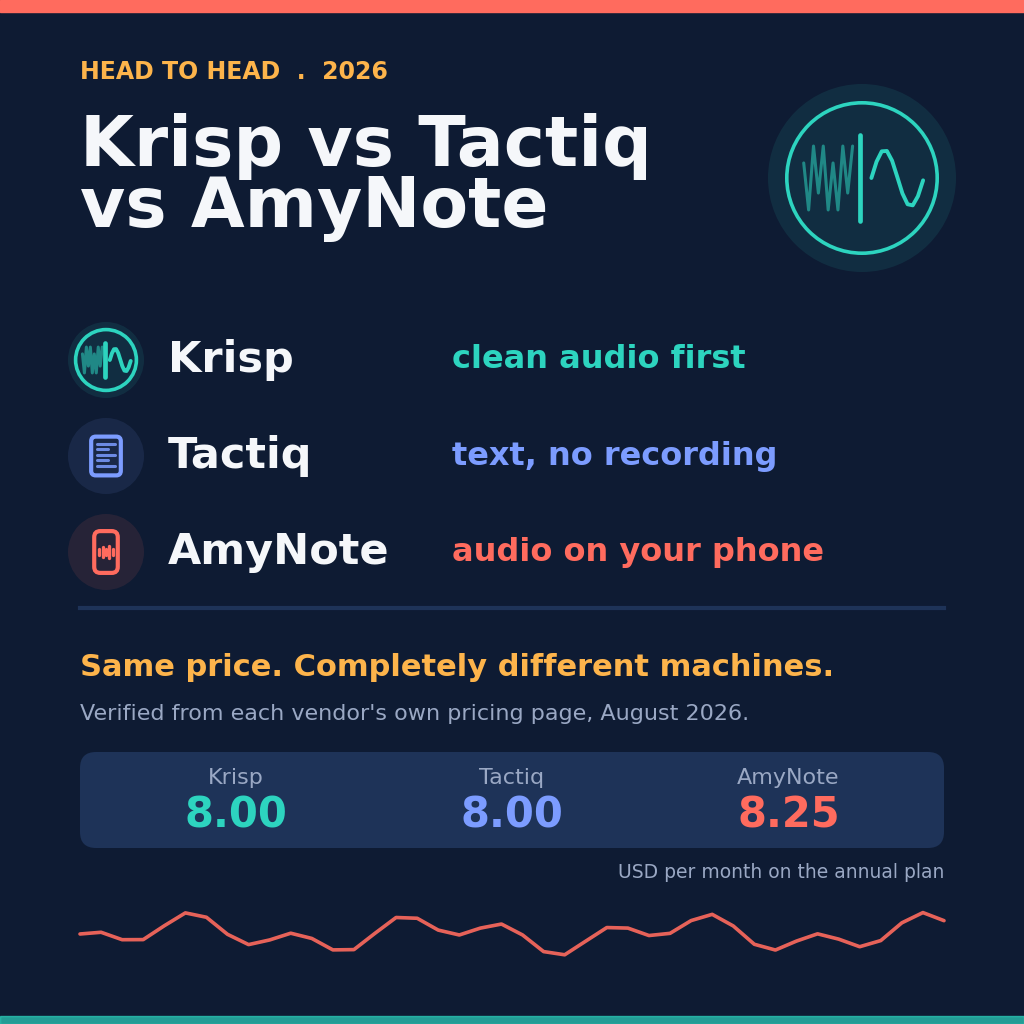
Its compliance table is also by far the most generous here. SOC 2 Type II, ISO 27001, GDPR and HIPAA are all marked included on every tier, the $0 Free plan included, where most vendors gate HIPAA behind an enterprise contract. Pricing is the lowest of the three: $8 a user per month annually for Pro, $16.67 for Team and $29.17 for Business, or $12, $20 and $40 monthly.
Weaknesses. The fine print has its own gaps. The Business card promises “Advanced Data Retention”, but the table on the same page puts that on Enterprise only, leaving Business the lesser “Managed data retention.” That is the identical card-versus-table failure Read AI shows, simply on a different row.
The policy was last updated 9 May 2026 and still names the Privacy Shield framework as its transfer mechanism five times over. Privacy Shield was invalidated in 2020. Data sits in Google Cloud, may leave Australia, and no retention ceiling is published.
Weigh that in proportion. It is not evidence that any transfer is unlawful. It is evidence that the document describing those transfers was restamped with a 2026 date without being read against six years of change. For a vendor whose entire pitch rests on its fine print being better than everyone else’s, that is an awkward place to find a stale citation.
The bigger limit is scope. The Mac app is still labelled Beta and handles only Zoom desktop calls, and there is no mobile app and no in-person capture. If the meeting is not in a browser tab, Tactiq is not in it. The architecture that produces the best privacy story on this page is the same architecture that caps where the product can go.
AmyNote: Strengths and Weaknesses
Strengths. AmyNote inverts the pattern, volunteering on its security page the qualification the others bury: “Local-first does not mean local-only,” and processing copies “may be retained on our cloud infrastructure.” It also declines a claim it could have made, stating it does not claim TLS transport encryption is end-to-end encryption. It does not sell meeting content and does not train models on customer data.
Declining an available claim is unusual enough to name. Plenty of vendors describe TLS in language that lets a reader hear end-to-end, and the distinction is technical enough that most buyers cannot check it. Writing that correction into your own security page costs marketing and buys nothing except being right.
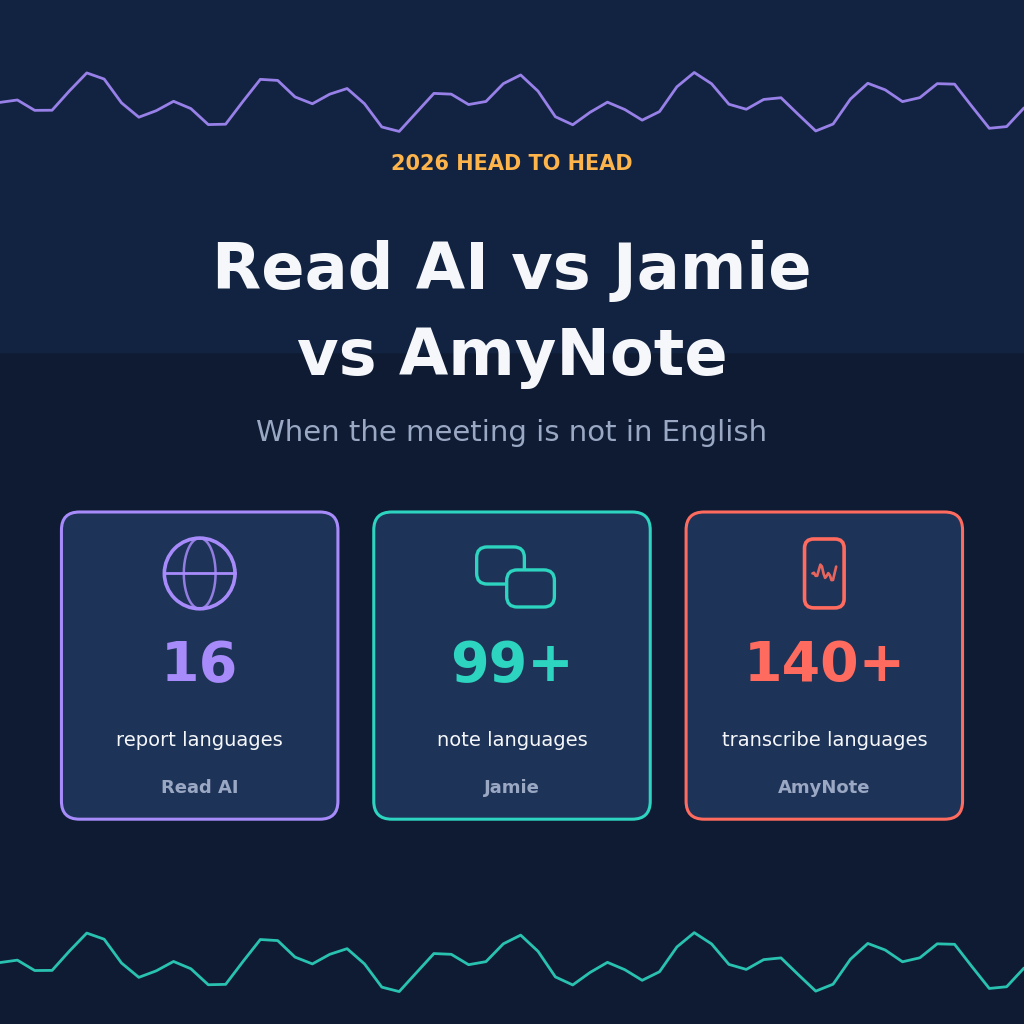
Transcription runs through OpenAI and Microsoft Azure, analysis through Anthropic’s Claude. The saved library lives on the device: recording, playback, reading and export work with no network, and no account is required. Coverage is the widest here at 140+ transcription languages and translation into 100+, priced flat at $12.99 a week, $19.99 a month or $99 a year.
Weaknesses. Be clear about what that candour costs. AmyNote publishes no SOC 2, no ISO 27001, no HIPAA and no GDPR certification anywhere. If procurement needs a badge, AmyNote does not have one, and honesty is not a substitute for an audit. A security questionnaire has a row for the certificate; it has no row for the tone of your security page.
It is also iOS only, publishes no retention ceiling, and is a small vendor beside two funded ones. On the narrow question this article asks — does the badge match the fine print — AmyNote wins by declining to enter. That is a real answer for an individual buyer and no answer at all for a regulated one.
Side by Side
- Cheapest plan carrying the vendor’s own HIPAA claim: Read AI about $148.75 a month; Tactiq $0; AmyNote none
- Stores meeting audio: Read AI yes, up to 2 years; Tactiq no, text only; AmyNote yes, copies may persist
- Policy permits training on your content: Read AI yes, under legitimate interest; Tactiq and AmyNote no
- Entry pricing: Tactiq $8 a seat annually; Read AI $15; AmyNote $19.99 flat
- Where it runs: Read AI everywhere; Tactiq in Chrome, plus a Zoom-only Mac beta; AmyNote on iPhone and iPad
- In-person meetings: Read AI yes; Tactiq no; AmyNote yes
Which One Fits You
Your meetings happen in a browser and you want the smallest data footprint available. Tactiq, and it is not close. Never creating an audio file beats every promise anyone can make about an audio file you already handed over.
You are buying because of HIPAA specifically. Price the tier, not the badge. On Read AI that means Enterprise+ and a five-licence floor, roughly $148.75 a month before anyone has spoken. On Tactiq the same claim is marked on the free plan. Whatever else separates these two products, that single row is a two-order-of-magnitude difference.
You need one assistant on every platform, including the room. Read AI, accepting that its policy reserves training under legitimate interest and that the HIPAA claim lives two tiers above where the badge suggests.
You are one person on an iPhone and nobody is auditing you. AmyNote. No badge to verify, the caveats already written on the page, and the widest language coverage of the three at a flat price.
The Bottom Line
Choose Tactiq if the meetings happen in a browser and you want the smallest data footprint. Never recording audio beats any promise about audio you already handed over. Read its policy anyway — the Privacy Shield references and the retention row on the Business card both need a question at purchase.
Choose Read AI if you need one assistant across every platform and in-person rooms, and can afford the tier where its badge claims actually apply. Budget for Enterprise+ and five seats if HIPAA is the reason you are buying, and read the legal-basis table before accepting “no training by default” at face value.
Choose AmyNote if you work on iPhone, your meetings are multilingual or in person, and you would rather have a vendor that writes its caveats on the page than into a policy. The trade is explicit: no certifications, no team features, no Android. Details are at amynote.app.
The lesson underneath all three is cheaper than any of them. A badge is a starting point, not an answer. Open the comparison table, find the row, and read what it says about the plan you actually meant to buy — because on two of these three products, the table and the front page do not agree.
Originally published as an X Article by @AmyNoteApp.