A product manager records a 45-minute meeting with three engineers and two designers. The transcription comes back perfectly — every word captured. But when she opens the transcript, it reads like a single monologue. No names. No attribution. No way to tell who proposed the architecture change and who pushed back on the timeline.
The transcript is accurate. It is also useless. This is the speaker identification problem — and it is the single biggest gap between raw transcription and actionable meeting intelligence.
The Attribution Gap
Most transcription tools solve the easy problem: converting speech to text. Accuracy rates above 95% are now standard. But knowing what was said is only half the equation. Knowing who said it changes everything.
Consider the difference:
- “We should delay the launch by two weeks” — useful context
- “The VP of Engineering said we should delay the launch by two weeks” — actionable intelligence
Without speaker attribution, transcripts become reference documents that require someone who was in the room to interpret them. That defeats the purpose. The person reading the transcript after the fact — the one who needs it most — gets the least value.
In legal depositions, unattributed quotes are inadmissible. In medical settings, knowing which clinician ordered a treatment change is a compliance requirement. In sales, confusing what the prospect said with what your colleague said can derail an entire deal. The stakes vary by industry, but the problem is universal.
Why Most Tools Get Speaker ID Wrong
Speaker identification sounds simple. In practice, it is one of the hardest problems in audio processing. Here is why most tools fail:
- Voice overlap. Real conversations have interruptions, crosstalk, and people finishing each other’s sentences. Most diarization models break down when two people talk simultaneously.
- Similar voice profiles. Put three men or three women in a room and watch accuracy plummet. Acoustic similarity between speakers is the number one failure mode.
- Environmental noise. Background sounds, room echo, and varying microphone distances create signal degradation that confuses speaker boundaries.
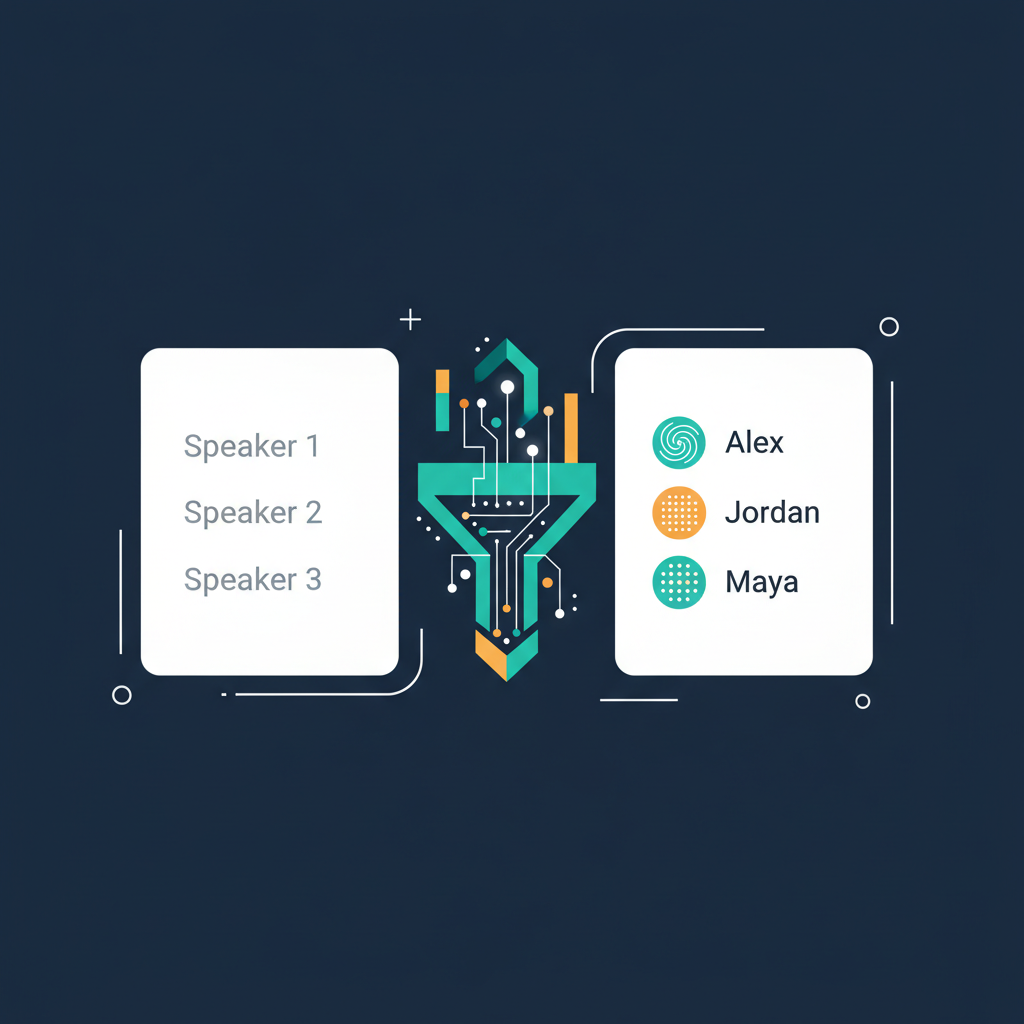
- No memory across sessions. Even tools that identify speakers within a single recording start from scratch every time. “Speaker 1” in Monday’s meeting has no connection to “Speaker 1” on Tuesday.
The result: most tools either skip speaker ID entirely or offer it as a best-guess feature with 60-70% accuracy. Not reliable enough for any professional use case where attribution matters.
What Actually Works: Cross-Session Speaker Memory
AmyNote approaches speaker identification differently. Instead of treating each recording as an isolated event, it builds persistent speaker profiles that improve over time.
Transcription runs through OpenAI’s Speech API, which handles the raw speech-to-text conversion with high accuracy on domain-specific terminology — legal terms like “voir dire,” medical terms like “thrombocytopenia,” financial terms like “basis points.”
Speaker diarization then segments the audio by voice. But here is the key difference: AmyNote stores voice embeddings locally on your device. The first time you record a meeting with your team, you label the speakers once. Every subsequent recording recognizes those voices automatically.
AI analysis is powered by Anthropic’s Claude Opus, which generates structured summaries with full speaker attribution. Instead of “someone suggested moving the deadline,” you get “Sarah Chen proposed extending the deadline to March 15, and David Park agreed contingent on additional QA resources.”
Both OpenAI and Anthropic contractually guarantee that user data is never used for model training. Audio is encrypted in transit; processing copies may be retained to deliver and recover requested features. All transcripts and recordings are stored locally on your device with encrypted transport.
Try It Yourself
Speaker identification is the difference between a transcript and a record. If your current tool gives you “Speaker 1” and “Speaker 2,” you are doing extra work that software should handle.
AmyNote offers a 3-day free trial with no credit card required. Record your next team meeting and see the difference attribution makes.
Learn more at amynote.app
Originally published as an X Article.